
How it works
Creating content is already hard.
Editing doesn't have to be.
Three steps. The AI understands the video and does the rest.
Upload the videoA short clip from your phone or a podcast over an hour long. From your computer, your phone or Google Drive.
Pick the styleThe AI transcribes, captions, cuts and applies zoom and effects. You see the result right away, before exporting.
Export and postDownload in 1080p or 4K, ready for Reels, TikTok and Shorts. No watermark on paid plans.
Captions
It's not just captions.
It's smart captions.
The AI doesn't just throw text on the screen. It transcribes with 99% accuracy, understands what you're saying, spots what deserves emphasis and applies the effect on its own. Pick a style and it goes straight into the video: font, color, animation and timing, instantly. You just choose the vibe.
- Ready-made styles.Pick one and see it applied instantly. Nothing to adjust, no re-rendering.
- Save your style once. Use it forever.Changed the font, color or effect? Save it under any name and it shows up on every new video, 1 click away.
- Many languages.English, Portuguese, Spanish and 30+ more. Works whether you create for your home market or the whole world.
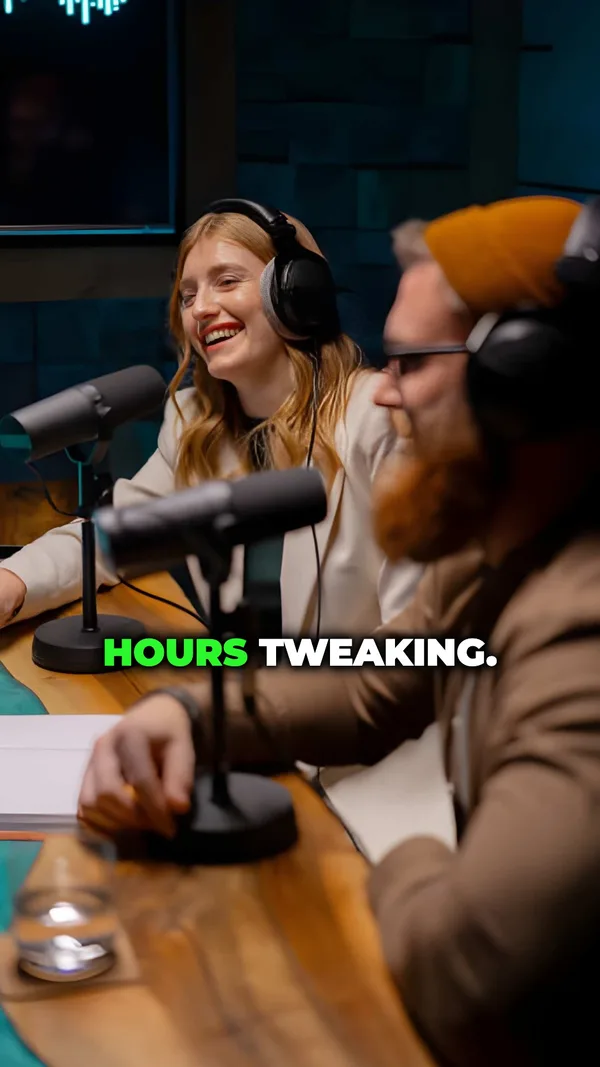

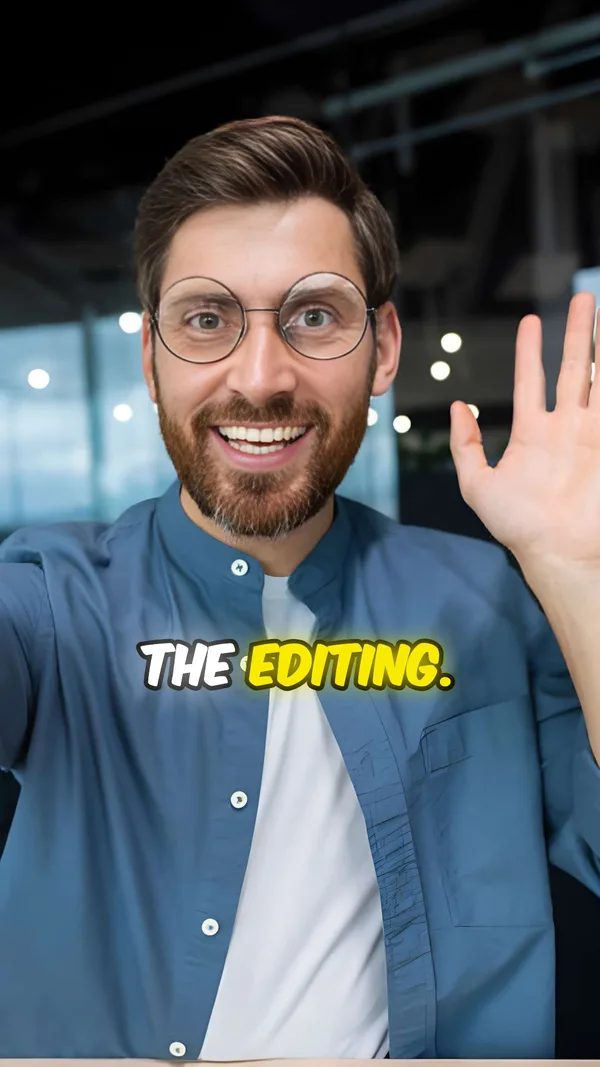
Long video into clips
One long video, several clips ready to post.
Upload a podcast, a live stream, a lesson or any long video. The AI finds the moments most likely to go viral, cuts them vertical, captions each one and delivers them in order: most viral first. Approve the ones you want and export in batch.
 Full video · 1:02:14
 in minutes
 00:00:41
 00:00:52
 00:00:33
- Framing that follows the speakerHorizontal video becomes vertical with the right person in the center. Two people on screen? Split screen.
- 9:16, 4:5 or 1:1Reels, TikTok and Shorts in vertical, feed in square. Don't like a framing? Fix it with a drag.
- Title and post text, readyEvery clip comes with a suggested title and post caption. Copy, paste, post.
Who it's for
Made for people who need to post, not for people who love editing.
- Creators
Record, upload, pick the style and post. The editing that used to take the afternoon is done before your coffee gets cold.
- Podcasts and live streams
Every episode becomes a week of clips. The AI finds the moments most likely to go viral, cuts, captions and writes the title.
- Businesses and professionals
Dentists, lawyers, realtors, nutritionists: anyone doing their own video marketing without an editor.
- Agencies and social media managers
Several clients, one saved style for each. More videos per week with the same team.
- Coaches and course creators
Lessons and mentoring sessions become dozens of clips for the funnel, with captions that stop the scroll.
Frequently asked questions
Everything you need to know.
How does Clipa edit my videos?
The AI transcribes the audio, syncs the captions word by word, highlights what matters and applies the style you chose. On long videos it also finds the moments most likely to go viral, cuts and frames them. You review everything in the editor before exporting.
Which formats and sizes are accepted?
MP4, MOV and WebM, up to 2 GB. Short videos up to your plan's limit. Podcasts, live streams and lessons up to 90 minutes.
Does it work with accents and slang?
Yes. It works in English, Portuguese, Spanish and 30+ other languages with 99% accuracy, accents and slang included.
Can I edit the captions before exporting?
Yes. Any word, line break, color or position. And you can save the result as your own style for the next videos.
How many clips come out of a podcast?
It depends on the length and the content. The AI delivers the clips ranked by their chance of going viral; you approve the ones you want, adjust the segment or the framing, and export in batch.
How long does it take?
A short video is ready in under 2 minutes. A one-hour podcast takes a few minutes to turn into clips, and you get everything at once.
Can I try it before paying?
Yes. The free plan gives you 3 videos with every style so you can see the result in the editor. Exporting is on paid plans, with no watermark.
What if I cancel?
Cancel anytime, no penalty. Your videos stay accessible until the end of the paid period.
Clipa guides and tools
See what Clipa's AI does for your video:
- Dynamic captionsAnimated captions that follow your speech, word by word.
- Add AI captions to videoAccurate automatic transcription, ready for social.
- Caption fontsThe fonts that work in viral video, with real samples.
- Caption effectsPop, glow and karaoke applied automatically by AI.
- Animated captionsPop, slide and highlight in time with the speech, with live demos.
- Guide: how to add animated captionsThe 3 routes, the step-by-step and the 5 most common mistakes.